
What is IPTV and how does it work in Europe?
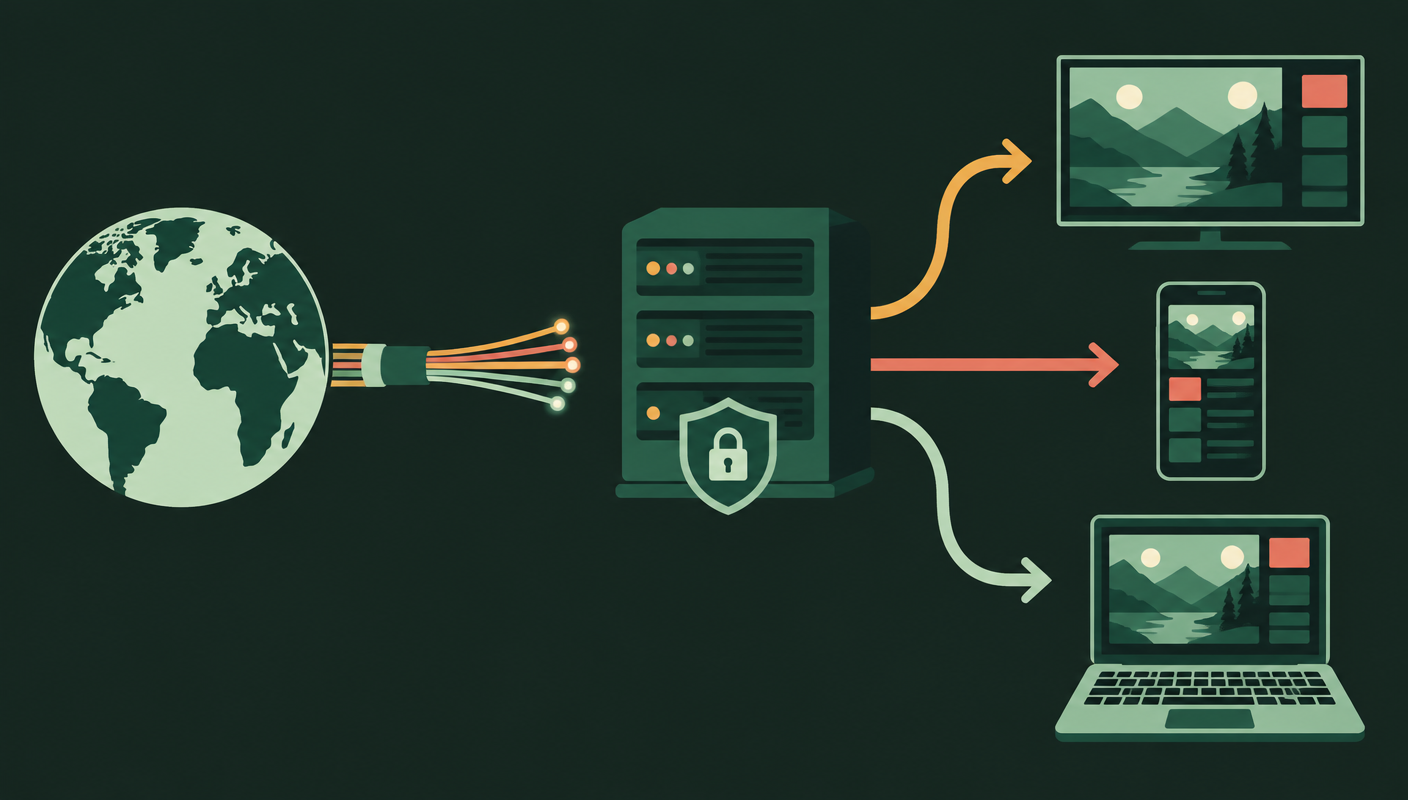
Internet Protocol Television delivers linear channels and on-demand video as data packets over an internet connection. Unlike terrestrial, cable or satellite broadcasting, the viewer requests a stream from a distribution server; an app or set-top box then decodes it for the screen.
That distinction matters. IPTV can describe regulated services from telecom operators, broadcaster apps and licensed subscription platforms. It can also be misused by sellers redistributing channels without permission. The technology itself is neutral; content rights and territorial licences determine whether an offer is legitimate.
Europe is not one television market. Rights, catalogues and language packs vary by country, while roaming and geoblocking rules can affect what remains available when a subscriber travels. A credible IPTV subscription Europe offer therefore states where it operates, which content it is authorised to carry and what devices it supports.
Why IPTV Europe is growing
The audience is already connected. Eurostat reported that 93% of people aged 16–74 in the EU used the internet in 2024, and 73% of internet users watched television or video online. That behaviour makes app-based viewing familiar rather than experimental.
Faster fixed broadband and improved home Wi-Fi make high-bitrate video practical. A 4K stream commonly needs a steady connection in the tens of megabits per second, but raw download speed is only part of the equation: low packet loss, sensible routing and sufficient capacity during major live events protect picture quality.
Variety is another driver. IPTV channels by country can place regional news, diaspora programming and multi-language entertainment in the same interface. That is particularly useful across Europe, where a household may follow local channels, another country’s league and programming in several languages.
Price comparisons require care. Internet delivery removes the need for a dish and may reduce installation friction, but a low subscription fee does not prove value. The best IPTV service in Europe is the one that combines lawful access, reliable delivery, clear support and the channels a household actually watches—not simply the largest advertised number.
IPTV vs cable and satellite TV in Europe
Each platform solves a different problem. The practical comparison is less about which technology is universally “best” and more about where you live, how you watch and whether your broadband remains stable at peak times.
| Criterion | IPTV | Cable TV | Satellite TV |
|---|---|---|---|
| Typical price model | Monthly or term subscription | Often bundled with broadband | Package plus equipment |
| Channel count | Flexible; licence and region dependent | Fixed operator packages | Broad regional packages |
| 4K quality | Available when source and connection support it | Available on selected channels | Available on selected channels |
| Devices | TV, mobile, tablet, web or TV box | Mainly operator boxes and apps | Mainly receiver boxes and apps |
| Installation | App and internet connection | Cable line and equipment | Dish, clear sightline and receiver |
| Contract | Often flexible; verify terms | Commonly fixed term | Commonly fixed term |
| Language variety | Potentially broad across licensed packs | Strong local selection | Strong regional selection |
| Verdict | Best for device flexibility | Best for bundled simplicity | Best where broadband is limited |

How to choose a reliable IPTV provider in Europe
Start with licensing transparency. A provider should identify the business behind the service, publish usable terms and privacy information, and avoid impossible claims such as every premium channel worldwide for a negligible fee. Clear territorial availability is a positive signal.
Test performance, not slogans
Server stability is visible during evenings and major fixtures, not on an empty weekday morning. Use a trial to check channel start time, audio sync, resolution consistency and recovery after a network interruption. “Anti-freeze” is marketing language unless backed by adequate capacity, resilient routing and well-encoded streams.
Inspect the complete viewing experience
A useful electronic programme guide should load accurate titles and times in your region. If catch-up matters, test how long programmes remain available and whether playback starts reliably. Ask whether concurrent streams are included; one account does not automatically mean several simultaneous screens.
Evaluate support and payment safety
Look for support that can answer device-specific questions before purchase, a written refund policy and checkout handled over an encrypted connection. Avoid sending card details through chat. The current plan overview and service FAQ show the kind of pre-purchase detail worth comparing.
Devices and setup guide
IPTV for Smart TV, Firestick and Android devices follows the same basic flow, although app stores and remote-control behaviour differ. iOS usually uses an approved player from the App Store, while a MAG box connects through a portal supplied by the provider.
- 1
Confirm compatibility
Check the exact television model, operating system and available storage before choosing an app.
- 2
Install from an official store
Use the manufacturer’s app store where possible; avoid unknown installation files and modified players.
- 3
Add authorised credentials
Enter the provider’s M3U URL or Xtream Codes-style server, username and password without sharing them publicly.
- 4
Load the guide and test
Refresh channels and EPG data, then test live, catch-up and on-demand playback before customising favourites.
M3U vs Xtream Codes: M3U is broadly compatible and simple to move between players. A credential-based login often organises channels, VOD and guide data more neatly. Neither method proves that a service is licensed.

Common problems and practical fixes
Buffering
For an IPTV buffering fix, first test the connection beside the viewing device. Pause large downloads, restart the router, use 5 GHz Wi-Fi at short range or connect Ethernet. If one channel fails while others work, report the channel rather than rebuilding the app.
Freezing or app crashes
Clear the player cache, reduce the playback buffer only if the app recommends it, and check free device storage. Repeated freezes at the same timestamp usually indicate a source issue; random freezes across services point more often to the local network.
Missing or incorrect EPG
Refresh guide data and confirm the device time zone. Some players let users shift EPG time manually, but a persistently empty guide needs a corrected source from the provider.
VPN questions
A VPN can improve privacy on untrusted networks, but it can also add latency or violate a platform’s terms. It does not make unlicensed content legal. Test a nearby server and compare performance with the VPN disconnected.
Legal and safety notes
Choose only services authorised to distribute their content. The European Commission has encouraged rapid measures against unauthorised retransmission of live events, and EUIPO reported growth in visits to pirated IPTV sites in 2023. Extremely cheap access to premium catalogues should prompt closer scrutiny, not excitement.
Rules and rights differ across jurisdictions, so check local law and the provider’s territorial permissions. Protect personal data with unique passwords, current device software and payment methods that offer clear records and dispute procedures. Review the provider’s privacy notice before sharing identity documents or billing information.
For primary research, see Eurostat’s 2024 internet-use summary and Commission Recommendation (EU) 2023/1018 on combating unauthorised retransmissions of live events.
IPTV Europe FAQ
What is IPTV Europe?
IPTV Europe is television delivered over an internet connection to viewers in European countries. A legitimate service licenses its channels and programmes, then supplies compatible apps or access credentials for supported devices.
What internet speed is recommended for IPTV 4K streaming?
A stable 25 Mbps connection is a practical minimum for one 4K stream, while 50 Mbps or more leaves room for other household traffic. Consistency, latency and Wi-Fi quality matter as much as the headline speed.
Can I use IPTV on a Smart TV, Firestick or Android device?
Yes, if the television or streaming device supports the provider’s approved app or a compatible player. Confirm the operating system, app availability and activation method before subscribing.
What is the difference between M3U and Xtream Codes?
M3U is usually a playlist URL or file. Xtream Codes-style login uses a server address, username and password, often making live channels, EPG and on-demand libraries easier for compatible apps to organise.
Is IPTV legal in Europe?
The delivery technology is legal. Legality depends on whether the service has permission to distribute the content in your location, so verify licensing and check the rules that apply in your country.
Choose clarity over channel-count claims
A good IPTV Europe decision starts with licensed content, a realistic device test and terms you can understand. Compare the details, protect your data and choose a plan only after the service performs well on your own connection.
Explore IPTV plans