What an M3U playlist is
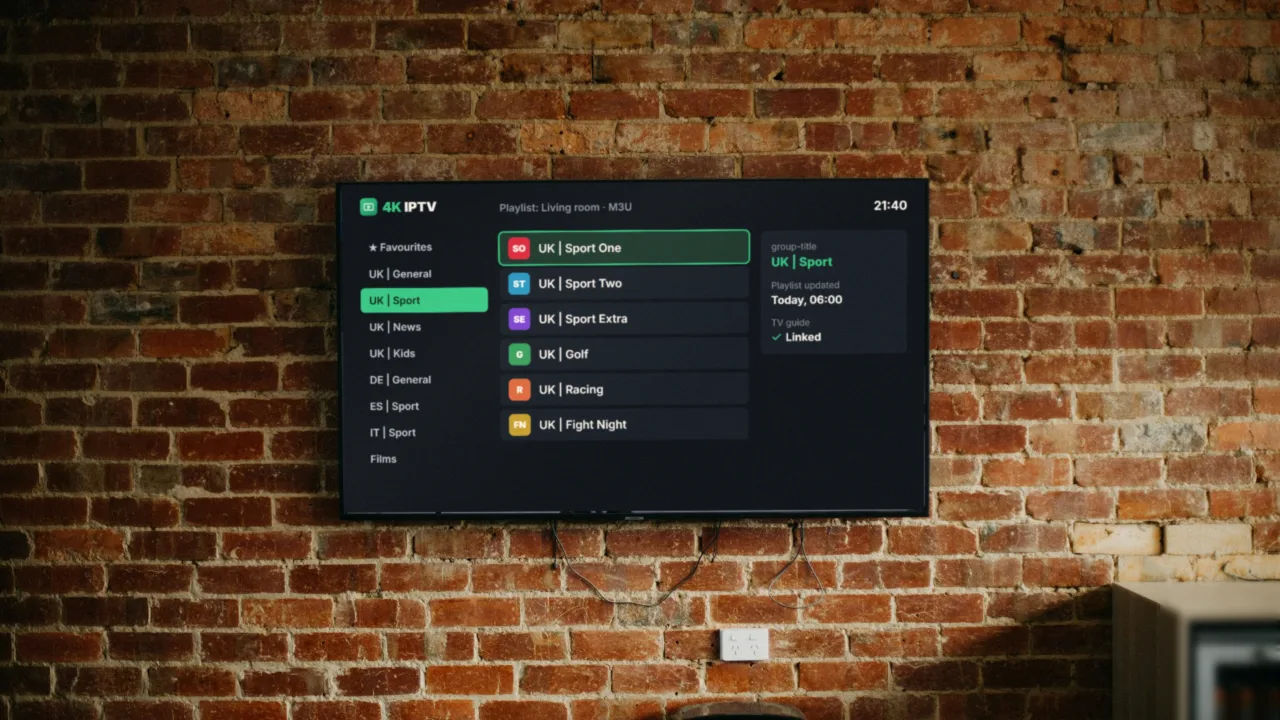
An M3U playlist is a plain text file that lists media to play, one entry after another. Music players have used the format for years; IPTV services use the same idea to list hundreds of live channels, films and series.
Three things are useful to know:
- The playlist holds no video. It only points to where each stream lives. That is why an M3U file is tiny, even for a large channel list.
- M3U and M3U8 are the same idea. M3U8 simply means the file is saved in UTF-8, so accented channel names in French, German or Spanish display correctly. Apple’s HTTP Live Streaming also builds on the format, as the HLS specification (RFC 8216) explains.
- You rarely open the file yourself. With IPTV you normally use an M3U URL, a link that downloads a fresh copy of the playlist every time the app updates.

What is inside an M3U IPTV playlist
Open an M3U IPTV playlist in a text editor and you see a short header, then two lines per channel:
#EXTM3U url-tvg="https://epg.example.com/guide.xml"
#EXTINF:-1 tvg-id="news.uk" tvg-logo="https://example.com/news.png" group-title="UK | News",UK | News 24
https://stream.example.com/live/12345.ts| Part | What it does |
|---|---|
| #EXTM3U | The first line of every extended M3U playlist |
| url-tvg | Where the TV guide (EPG) is, in XMLTV format; some apps read x-tvg-url instead |
| #EXTINF:-1 | Starts a channel entry; -1 means a live stream with no fixed length |
| tvg-id | Links the channel to its programmes in the TV guide |
| tvg-logo | The channel logo shown in the app |
| group-title | The category the channel appears under, such as “UK | Sport” |
| Text after the comma | The channel name you see on screen |
| Next line | The stream address itself |
These tags are conventions rather than a strict standard, so each player reads them slightly differently, as the UniPlayer M3U reference notes. That is why the same playlist can show logos in one app and not in another.
M3U URL or Xtream Codes login: which one to use?
Most providers give you the same subscription in more than one form. An M3U URL generated by an Xtream Codes panel usually looks like this:
http://server.example.com:8080/get.php?username=YOURNAME&password=YOURPASS&type=m3u_plus&output=tsThe same server, username and password also work as a Player API (Xtream Codes) login. Here is how the two compare:
| Check | M3U URL | Player API (Xtream Codes) |
|---|---|---|
| What you enter | One long link | Server URL, username and password |
| Works in | Almost every IPTV player, VLC and Kodi | Most IPTV apps, not VLC |
| Films and series | Mixed into one big list in many apps | Separate, with posters and seasons |
| TV guide | Needs an EPG link, inside the playlist or added separately | Loads automatically |
| Large lists | Slower to load and update | Faster: the app asks for what it needs |
Our advice: use the Player API login in apps that support it, and keep the M3U playlist for players that only accept a link, such as VLC, Kodi add-ons or some smart TV apps. Our IPTV Smarters Pro guide shows both logins side by side, and MAG boxes use a third method explained in our MAG box IPTV guide.
How to add an M3U playlist to your IPTV app
The steps are almost the same in every player. Have the M3U URL from your provider ready before you start.
- 1
IPTV Smarters Pro
Choose “Load Your Playlist or File/URL”, type any playlist name, select M3U URL, paste the link and tap Add User. The channels, films and series load into the app.
- 2
TiviMate
Choose Add playlist, then the M3U playlist option, and enter the URL. TiviMate can read a TV guide link included in the playlist; if there is none, add the EPG link from your provider in the playlist’s EPG settings.
- 3
VLC on Windows or Mac
Open Media, then Open Network Stream, paste the M3U URL in the address box and press Play, as described in the VLC documentation. Open the playlist view to choose a channel. VLC has no TV guide, so it is best for quick tests.
- 4
Smart TV apps
Some TV players, such as IBO Player Pro, ask you to add the playlist on the developer’s website using the MAC address shown on the TV. Follow the app’s own instructions and paste the same M3U URL there.
Which player suits which screen is covered in our comparison of the best IPTV player apps, and device-by-device setup is in our IPTV setup guide.
Getting the TV guide to work with an M3U playlist
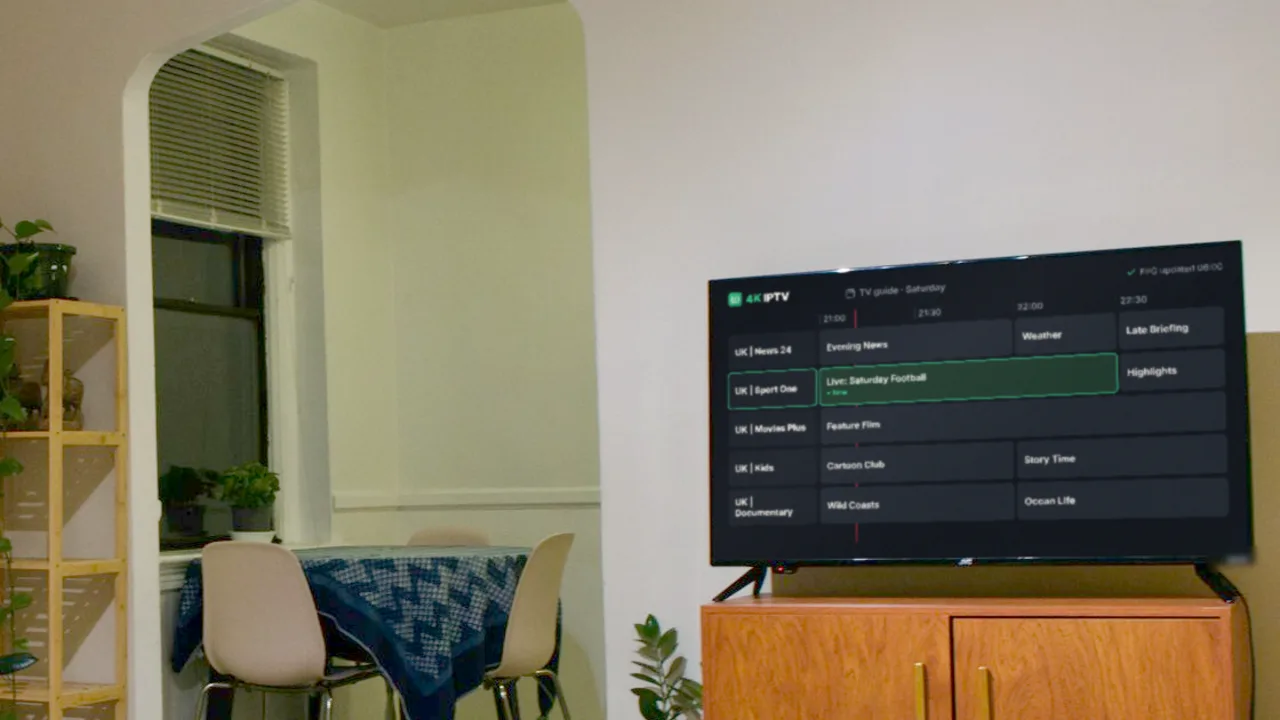
A playlist on its own lists channels, not programmes. The TV guide comes from a second file in XMLTV format, the EPG. There are two ways it reaches your app:
- Inside the playlist: the first line carries url-tvg or x-tvg-url, and the app picks it up automatically.
- As a separate link: your provider sends an EPG URL, and you paste it in the app’s EPG settings.
Programmes then appear next to each channel whose tvg-id matches the guide. If one channel shows “No information”, that channel’s tvg-id has no match: it is not a fault with your app. Update the EPG once after adding the playlist, then let the app refresh it daily.
M3U playlist not working? Common fixes
| What you see | Likely cause | Fix |
|---|---|---|
| “Invalid playlist” or nothing loads | The link was cut or changed when copied | Copy the whole M3U URL again, from http to the last character |
| Error 401 or 403 | Wrong username or password in the link, or the subscription ended | Check the details in the link with your provider |
| Loading takes minutes | A very large list on a slow device | Use the Player API login instead, or ask for a smaller playlist |
| No logos | The app ignores tvg-logo, or the logo links are down | Try another player, or ignore it: playback is not affected |
| Channels play, guide is empty | No EPG link, or tvg-id does not match | Add the EPG URL and update the guide |
| Worked yesterday, not today | The playlist moved to a new server address | Ask your provider for the current M3U URL |
If channels load but buffer, the cause is usually the connection rather than the playlist. The fixes in our IPTV setup guide apply to M3U playlists too.
Sharing your M3U URL in a group chat or on a forum. The link contains your username and password, so anyone who has it can use your connection. When two people watch at once, both streams stop. If your link has been shared, ask your provider to change your password.
What about free M3U playlists?
Searches for free IPTV playlists lead to lists of links collected from other people’s subscriptions or from unlicensed sources. They stop working within days, often carry no TV guide, and some of the sites that host them push fake app downloads or malware. There is also the legal side: watching paid channels from an unlicensed source is a risk you take on yourself.
A paid M3U playlist from a provider you can contact is the reliable option. Our guide to the best IPTV providers lists what to check before you pay.
Free-to-air broadcasters such as the BBC or ITV in the UK, or ARD and ZDF in Germany, offer their own official apps. If you only want those channels, use the official apps: they are legal and free to use where local rules allow (in the UK, BBC iPlayer needs a TV licence).
M3U playlists with 4K IPTV Encoder
Every 4K IPTV Encoder plan includes an M3U playlist as well as the Player API (Xtream Codes) login, and MAG and portal devices are supported too.
| Check | 4K IPTV Encoder |
|---|---|
| Logins included | M3U URL, Player API (Xtream Codes), and MAG / portal on request |
| Connections | One active connection per plan |
| Test first | One-month Discovery plan at €11.99, instead of a free trial |
| Plans | €11.99 for 1 month, €19.99 for 3, €29.99 for 6, €59.99 for 12 + 3 free, €85.00 for 24 + 6 free |
| Activation | About 5 minutes after payment |
| Setup help | On WhatsApp, for the app and device you use |
Not sure whether to use the M3U link or the Player API login? Tell us your device and app, and we will tell you which one works best. The IPTV subscription guide helps you choose a plan length.
M3U playlist FAQ
What is an M3U URL?
A web link that downloads your IPTV playlist. You paste it into an IPTV player instead of a file, and the app updates the channel list from it automatically.
What is the difference between M3U and M3U8?
Both are the same playlist format. M3U8 is saved in UTF-8, which keeps accented characters in channel names correct.
Is M3U better than Xtream Codes?
Not better, just more widely accepted. Xtream Codes (the Player API) loads faster and separates films and series. Use M3U when your player only accepts a link.
Can I use one M3U playlist on two devices?
You can add it to several devices, but each plan allows one active connection, so only one device can watch at a time.
How do I open an M3U playlist on Windows?
The quickest way is VLC: Media, then Open Network Stream, then paste the M3U URL. For a full TV guide, use an IPTV player app instead.
Why does my M3U playlist have no TV guide?
The guide comes from a separate EPG link in XMLTV format. Check that the playlist includes url-tvg, or paste the EPG link from your provider into the app.
One link, your whole channel list
An M3U playlist is the most universal way to load IPTV: one link that works in almost every player. Paste it carefully, add the EPG link for a full TV guide, keep it private, and switch to the Player API login when your app supports it. For the bigger picture, start with our IPTV Europe guide, and ask us which login suits your device before you order.
See our plans