What an IPTV box is, and what it is not
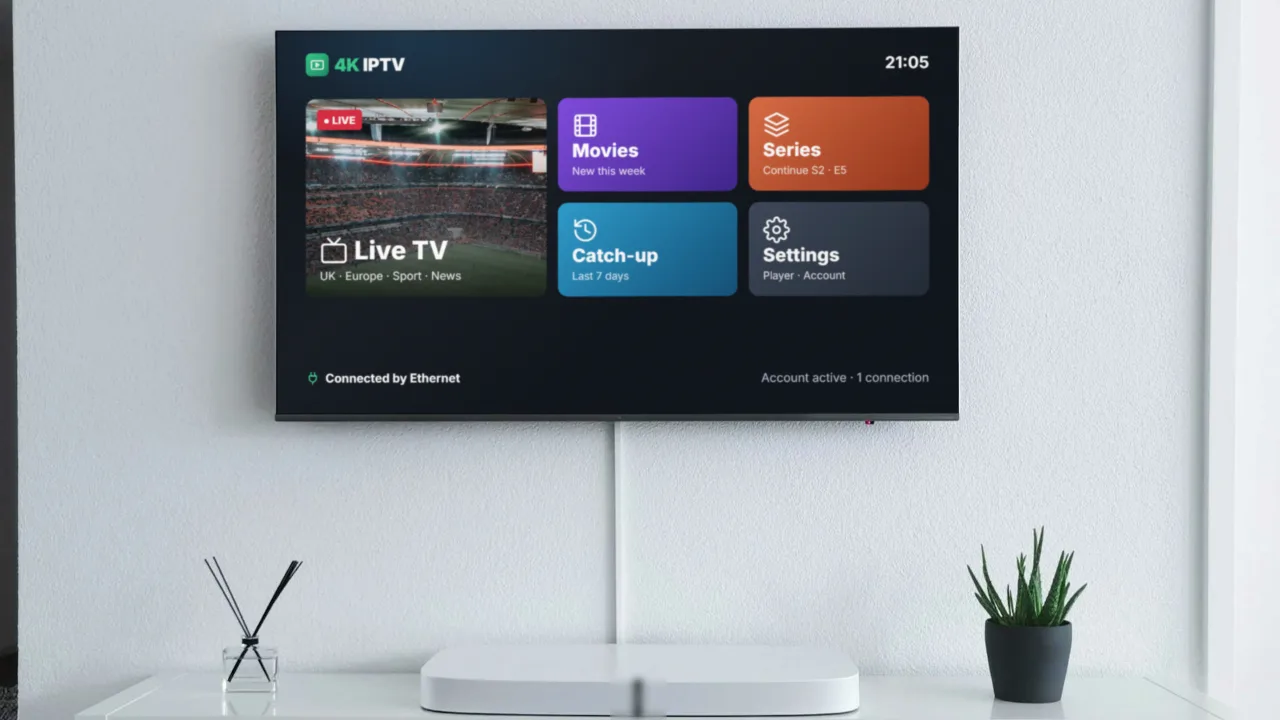
An IPTV box is a small streaming device that connects to your TV by HDMI and to your broadband by cable or Wi-Fi. You install a player app on it, log in with the details your provider sends, and the channels, films and TV guide appear on the TV.
Three things are worth knowing before you buy:
- The box has no channels of its own. It is hardware plus an app. The channels come from your subscription, so the same box works with any legal provider that supports your app.
- A stick and a box do the same job. A box usually has more memory, a real Ethernet port and better cooling, which matters for long evenings of live sport.
- You may not need one at all. Many recent Samsung, LG and Android TVs run a good IPTV player app directly. A box makes sense when your TV is older, slow, or its app store lacks the player you want.
What makes a good IPTV box in 2026
Five checks separate a box that plays every match smoothly from one that freezes at the worst moment:
- 1
4K HEVC decoding
Most 4K and many Full HD channels use HEVC (H.265). The box must decode it in hardware, or it stutters. Every box in our list does.
- 2
An Ethernet port
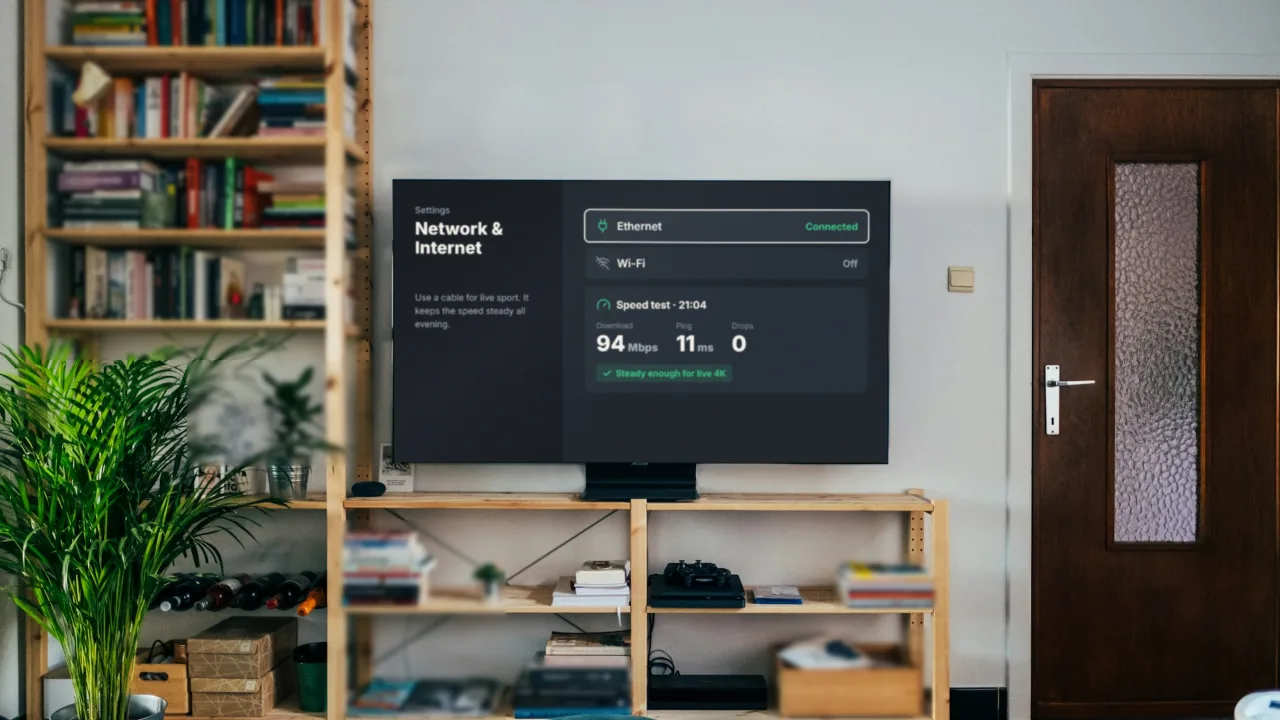
A cable is the single best fix for buffering. Even a 100 Mbps port is plenty: live 4K needs about 25 Mbps, as our 4K IPTV guide explains.
- 3
At least 2 GB of RAM and 16 GB of storage
Large channel lists and TV guides fill memory quickly. Boxes with 1 GB of RAM slow down after a few weeks.
- 4
The right app store
Check that your player app is available on the box. Our list of the best IPTV player apps shows which app runs where.
- 5
Updates from a known brand
A box that still gets security updates protects your home network. A box with no brand and no updates is the risk the FBI warned about.
Best IPTV boxes in 2026 compared
These are the IPTV boxes we see working best for customers in the UK and Europe. All of them play 4K, and none of them comes with channels: you add your own subscription.
| Box | System | Wired Ethernet | Best for |
|---|---|---|---|
| Google TV Streamer | Google TV | Yes, gigabit | Most homes: fast, simple, cable built in |
| Fire TV Cube (3rd gen) | Fire OS | Yes | Fire TV users who want a cable and Wi-Fi 6E |
| Fire TV Stick 4K Max | Fire OS | With an adapter | A small budget with a good Wi-Fi signal |
| Xiaomi TV Box S (3rd Gen) | Google TV | No | The best cheap Android box for IPTV |
| Formuler Z11 Pro Max | Android 11 | Yes, gigabit | Viewers who want a box built for IPTV |
| Nvidia Shield TV Pro | Android TV | Yes, gigabit | Power users, if you can still find one |
| Apple TV 4K (2022) | tvOS | 128 GB model only | Homes already using iPhone and iPad |
1. Google TV Streamer: best IPTV box for most homes
Google’s box replaced the Chromecast in 2024. It has 4 GB of RAM, 32 GB of storage, a gigabit Ethernet port and support for Dolby Vision, HDR10+ and HLG, according to Google’s specifications. The Play Store has the main IPTV players, so setup takes minutes. For most people this is the best IPTV box in 2026.
2. Fire TV Cube (3rd gen): best for Fire TV homes
If your family already knows the Fire TV menus, the Cube adds what the sticks lack: an Ethernet port, Wi-Fi 6E and more power. What Hi-Fi’s review also notes an HDMI input for a set-top box. Players not in the Amazon Appstore are installed through Downloader, as shown in our best IPTV for Firestick guide.
3. Fire TV Stick 4K Max: best stick if you have good Wi-Fi
The cheapest way to get reliable 4K, as long as the router is close. Add an Ethernet adapter if the signal is weak. Check the model before buying: the newer Fire TV Stick 4K Select runs Vega OS and only installs Appstore apps.
4. Xiaomi TV Box S (3rd Gen): best cheap Android box for IPTV
Launched in Europe in 2025 at around €70, with Google TV, 32 GB of storage, Dolby Vision and HDR10+, Notebookcheck reports. It has no Ethernet port and 2 GB of RAM, so it suits homes with strong 5 GHz Wi-Fi near the TV.
5. Formuler Z11 Pro Max: a box made for IPTV
Formuler builds its boxes around live TV. The Z11 Pro Max has 4 GB of RAM, gigabit Ethernet, Wi-Fi 6 and HEVC and AV1 decoding, and is built around Formuler’s own MYTVOnline 3 player, according to Formuler. It runs Android 11, which is older than Google TV, so check that your other apps install on it.
6. Nvidia Shield TV Pro: still strong, but old
The 2019 Shield is still one of the most powerful Android TV boxes and still receives updates, including the January 2026 security patches reported by Android Authority. It is hard to find new, so we only recommend it second-hand from a trusted seller.
7. Apple TV 4K: best for Apple homes
Excellent picture and a long update life. Fewer IPTV players are available than on Android, and only the 128 GB model has an Ethernet port.
A MAG box is a different kind of device. It logs in to a portal with its MAC address instead of a username and password, so ask your provider whether they support MAG portals before you buy one. Our MAG box IPTV guide explains portal setup step by step.
Best Android box for IPTV, and the ones to avoid
Android and Google TV boxes offer the widest choice of IPTV apps. For the best Android box for IPTV, choose the Google TV Streamer, the Formuler Z11 Pro Max on a cable, or the Xiaomi TV Box S on a budget.
The danger is at the bottom of the market. In June 2025 the FBI warned that the BADBOX 2.0 botnet had infected over a million home devices, mainly low-cost uncertified Android TV boxes, some with the malware already installed at the factory, BleepingComputer reported. Before you buy any Android box, check three things:
- A known brand with a support page and firmware updates.
- Google TV or Android TV with the Play Store, not a phone version of Android running on a TV box.
- Play Protect certified, which you can check in the Play Store settings under About.

Buying a box sold as “fully loaded” with free channels. You pay for hardware of unknown origin, the channels are not a legal service and stop without warning, and you have no one to call when they do. Buy a plain branded box and choose your subscription separately.
Choosing an IPTV box in the UK
For an IPTV box in the UK, Fire TV and Google TV devices are the easiest to buy, return and get help with, and both have BBC iPlayer, ITVX and the other UK catch-up apps next to your IPTV player. The one thing British homes most often get wrong is the connection, not the box:
- Run a cable if you can. A Wi-Fi line that tests well at noon can drop sharply at 20:45 on a Saturday, as our IPTV UK guide explains.
- Powerline adapters are a good second choice when the router is in another room.
- Power the box from the mains plug, never from the TV’s USB port.
Stick or box: which one do you need?
| Your situation | Choose |
|---|---|
| Router in the same room, one TV | A 4K stick is enough |
| Router far away or busy Wi-Fi | A box with Ethernet, or a stick with an adapter |
| Live sport in 4K every week | A box with Ethernet and 3–4 GB of RAM |
| Large channel list with a full TV guide | A box with more storage |
| A second TV in the bedroom | A stick, or the TV’s own app |
Remember that each plan includes one active connection. Two TVs watching at the same time need two connections, whatever device you use. The IPTV subscription guide explains how plans work.
How to set up an IPTV box in five steps
- 1
Connect and update
Plug in HDMI, Ethernet and power, sign in to the app store, and install system updates before anything else.
- 2
Set the display to 4K
In the display settings choose Auto or 4K resolution and turn on frame-rate matching if the box offers it.
- 3
Install your player app
From the official store when possible. Our IPTV Smarters Pro guide shows a complete install and login.
- 4
Log in
Enter the details your provider sent, exactly as written. The Player API (Xtream Codes) login loads the TV guide and the film library automatically.
- 5
Test at peak time
Watch a live channel at 21:00 before you rely on the box for a big match. If it buffers on a cable, contact your provider.
Every device has its own menus. The full walkthrough is in our IPTV setup guide.
Which boxes work with 4K IPTV Encoder?
Our service works with the Player API (Xtream Codes) and M3U logins, so it runs on Fire OS sticks and boxes, Google TV and Android TV boxes, Apple TV and most smart TVs through the usual player apps.
| Check | 4K IPTV Encoder |
|---|---|
| Login types | Player API (Xtream Codes) and M3U |
| Connections | One active connection per plan |
| Test first | One-month Discovery plan at €11.99, instead of a free trial |
| Plans | €11.99 for 1 month, €19.99 for 3, €29.99 for 6, €59.99 for 12 + 3 free, €85.00 for 24 + 6 free |
| Activation | About 5 minutes after payment |
| Setup help | On WhatsApp, for the box you already own |
Not sure about your box? Send us the model before you order and we will tell you honestly whether it is a good fit. Our guide to the best IPTV providers explains what else to check.
IPTV box FAQ
What is the best IPTV box in the UK?
For most UK homes, the Google TV Streamer or a Fire TV Cube, both with an Ethernet port. On a tight budget with good Wi-Fi, the Fire TV Stick 4K Max.
Do I need an IPTV box if I have a smart TV?
Not always. If your TV is recent and its app store has a good IPTV player, start with the TV’s own app. Add a box if the TV is slow, old or missing the app you want.
Is an IPTV box legal?
Yes, the box itself is ordinary streaming hardware. What matters is the content: a box sold “fully loaded” with free channels is a different matter, and we advise against it.
What is the best cheap Android box for IPTV?
The Xiaomi TV Box S (3rd Gen), a Google TV box that launched in Europe at around €70. Avoid unbranded boxes at a similar price: they are the ones most often found with malware.
Is Ethernet better than Wi-Fi for an IPTV box?
Yes. A cable gives a steady speed all evening and removes most buffering. Even a 100 Mbps Ethernet port is more than enough for live 4K.
How much RAM does an IPTV box need?
At least 2 GB, and 3–4 GB if you use large channel lists with a full TV guide or watch 4K sport often.
A good box, a cable, and the right app
The best IPTV box is a branded device that decodes 4K HEVC, gets updates and sits on a cable. Choose the Google TV Streamer or a Fire TV Cube for most homes, the Xiaomi TV Box S on a budget, and stay away from unbranded “fully loaded” boxes. For the bigger picture, start with our IPTV Europe guide, and tell us your box before you order so we can help you set it up.
See our plans